1 credit · 1 photo
AI Disney style generator
One selfie in, one Disney-style character out — storybook lighting, expressive eyes, your face shape kept.
Powered by FLUX · ~30s · 7-day input deletion · You own the photo
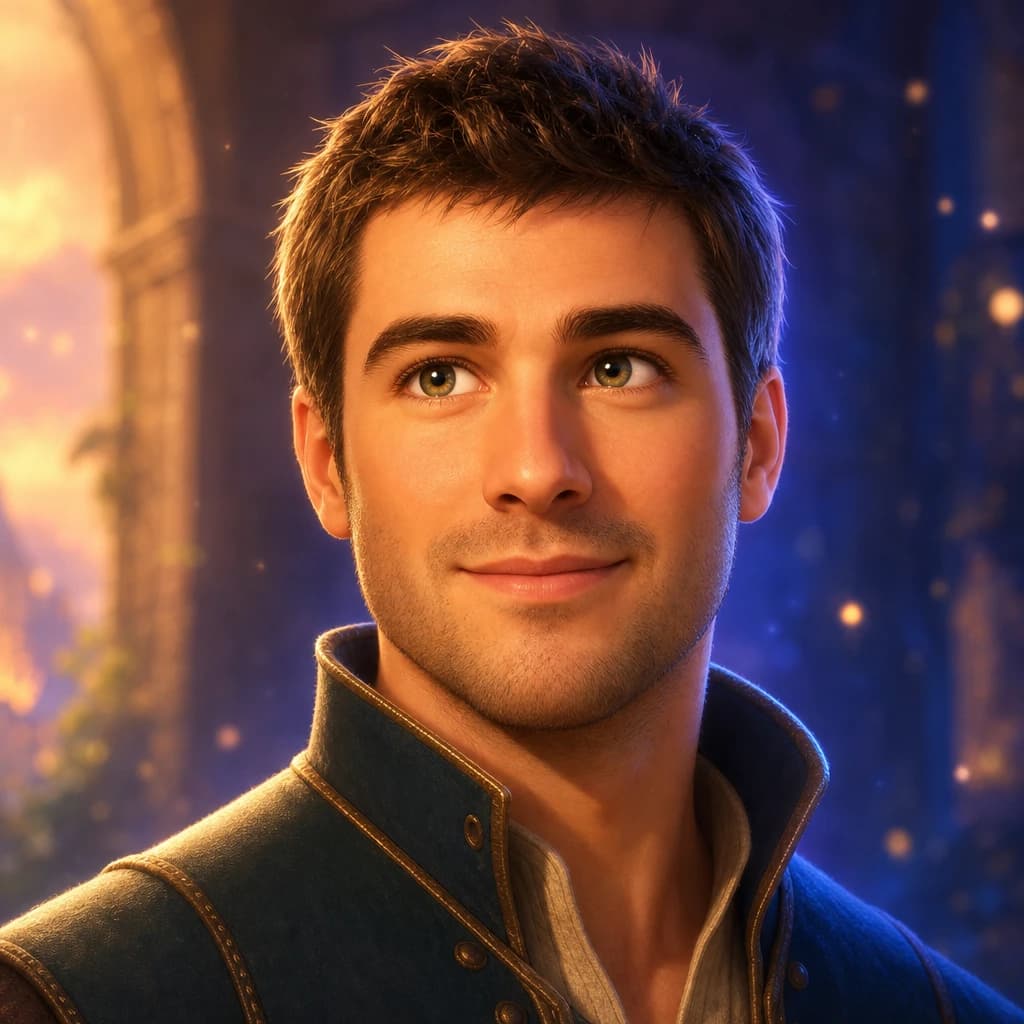
The Disney AI generator turns one selfie into a hand-drawn Disney character — large expressive eyes, soft storybook lighting, a three-quarter pose, and the cel-shaded line work Disney has refined since Snow White. Lumapic preserves your face shape, hair color, and skin tone, then applies the Disney character rules on top. 1 credit ($0.25) per render, around 30 seconds.
Disney AI generator — turning a selfie into a Disney character
The Disney look is hand-drawn cel animation translated through digital tools: a thin controlled outline, sub-surface skin shading that reads as painted rather than rendered, large expressive eyes, and three-quarter framing that lets the eye catch the light. The result is closer to Frozen or Encanto than to Pixar's 3D shader pass.
A Disney AI generator runs your selfie through those rules. Identity stays — your hair color, skin tone, and face shape are preserved — and the Disney-character drawing language is applied on top.
Disney AI vs. Pixar AI — which one fits the photo
Disney and Pixar are visually different traditions. Disney is hand-drawn 2D cel animation with painterly skin shading and larger eyes. Pixar is 3D rendered with sub-surface skin shaders, smaller eyes, and bokeh backgrounds.
Pick Disney for storybook, fairy-tale, or kids'-card use cases. Pick Pixar for "what would I look like in Toy Story" or holiday-card use. Both render in under 45 seconds; running both costs 2 credits and lets you compare side-by-side.
How AI Disney filters preserve identity
Most AI Disney filters have the same failure mode: they default skin tone toward light, narrow noses, and push eye shape toward a single Disney standard. The result reads as "generic Disney princess with your name on it" rather than "you, drawn by a Disney artist."
Lumapic preserves your real skin tone, face shape, and hair color. The cel-shading and line weight adapt to your features rather than overwriting them. Three things free Disney filters get wrong.
Selfie to Disney character — what input works best
A three-quarter angle reads more Disney than dead front — Disney character art almost always shows the face slightly tilted, letting the eye catch the key light. Soft warm indoor light beats harsh outdoor sun; the painterly shading needs soft transitions to work.
Loose natural hair translates better than tight ponytails or heavily styled cuts. Avoid heavy filters baked into the input — they confuse the painterly pass. Smile or neutral both work; a slight smile is the Disney sweet spot.
What to use it for
Six real surfaces.
- Print as a child's bedroom wall art
- Turn a birthday photo into a Disney-style invitation
- Make a profile picture that fits a kids' learning app or YouTube channel
- Render matching characters for a couple or sibling set
- Use as the cover art for a personal storybook or zine
- Make a holiday card the whole extended family will recognize
How it works
From upload to finished photo.
01
Upload one front-facing photo
JPG, PNG, or WebP, at least 1024px. Neutral or smiling both work. Three-quarter angles render slightly more Disney than dead-front.
02
The model renders in Disney cel-shaded style
Identity preserved, eyes enlarged to Disney proportion, hand-drawn outline, painted skin shading, warm storybook lighting.
03
Download the result
Final JPG at 2048px. About 30 seconds. 1 credit.
Tips for best results
What actually helps.
- A three-quarter angle reads more Disney than dead front — the eyes catch light better
- Avoid harsh shadows in the input; Disney's lighting is soft and warm
- Glasses translate to the Disney style; sunglasses don't, because the eyes carry the look
- If the output drifts toward anime, try a more neutral expression — Disney is warmer, anime is sharper
- Don't crop too tight — the model needs head and shoulders to find the right Disney framing
- Heavy filters baked into the input often confuse the renderer; use a clean photo
Honest comparison
How this stacks up against alternatives.
Lumapic Disney vs. Voila AI Artist Disney: Voila ships a fast Disney filter and a generous free tier, but the result is recognizably filter-rendered — uniform line weight, flat shading, identical eyes across faces. Lumapic re-paints the skin with sub-surface shading and varies the line weight by feature, the way a Disney character artist actually draws. For a quick laugh, Voila. For something you'd frame, Lumapic.
FAQ
Common questions.
Is this hand-drawn 2D or 3D?
It's stylized as classic Disney 2D cel animation — hand-drawn outline, painterly skin shading, large expressive eyes, three-quarter framing. Closer to Frozen or Encanto than to Pixar's 3D shader pass.
Disney AI vs. Pixar AI — which one should I pick?
Disney is hand-drawn 2D cel animation with painterly skin and larger eyes — pick for storybook, fairy-tale, or kids' card use cases. Pixar is 3D rendered with sub-surface skin shaders and smaller-than-Disney eyes — pick for 'what would I look like in Toy Story.' Running both costs 2 credits and lets you compare.
Will it look like me?
Yes. Your hair color, skin tone, and face shape are preserved exactly. The model only applies the cel-shaded Disney character rules — outline, painterly shading, enlarged eyes — on top. We don't lighten your skin, narrow your nose, or push your eye shape toward a single Disney standard.
What input photo works best?
A three-quarter angle reads more Disney than dead front — Disney character art almost always shows the face slightly tilted. Soft warm indoor light beats harsh outdoor sun; the painterly shading needs soft transitions to work. Loose hair translates better than tight styled cuts. A slight smile is the sweet spot.
Will it look like a specific Disney movie?
It captures the universal Disney character-design language — cel-shaded outline, expressive eyes, storybook lighting — rather than imitating a single film. The output reads as a generic Disney-style portrait, not as a specific character.
How long does it take?
Around 30 seconds per render.
How much does it cost?
1 credit ($0.25) per render. Credit packs start at $2.99 for 12 credits. Credits never expire.
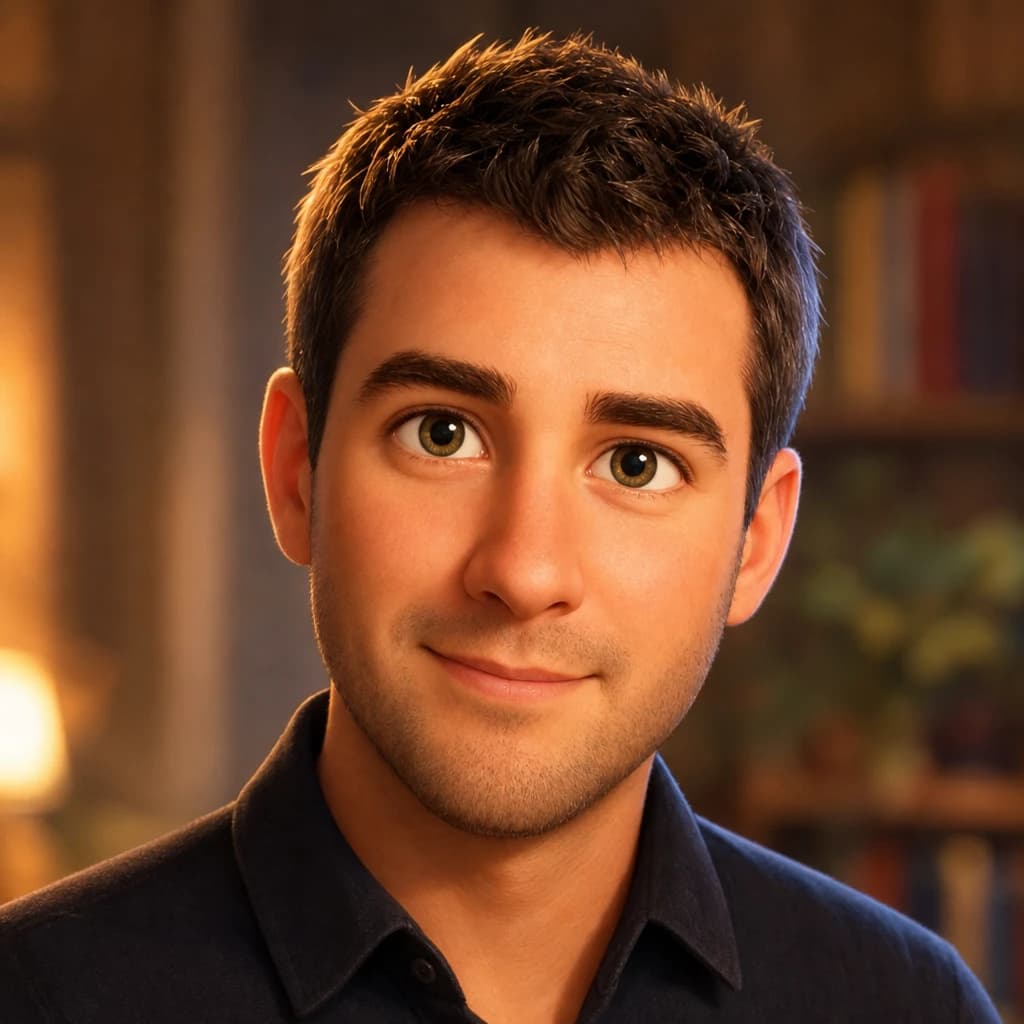
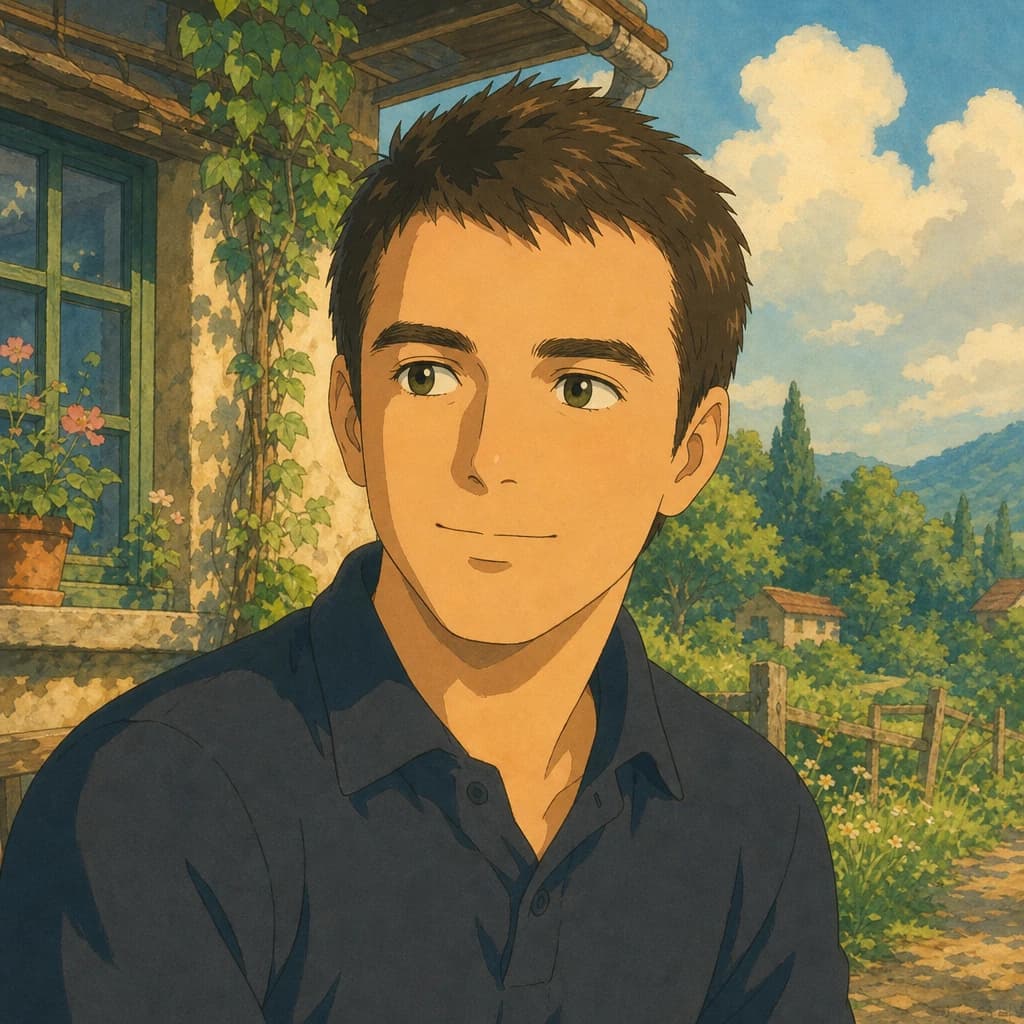
Make your ai disney style generator in seconds.
Pay as you go. Packs from $2.99. Never expire.