1 credit · 4 photos
AI family portrait generator
Four faces in, one family portrait out — the photo where everyone's present, smiling, and the lighting actually works.
Powered by FLUX · ~30s · 7-day input deletion · You own the photo

The AI family portrait generator takes up to four individual photos — one per family member — and composites them into a single shared family portrait with matched lighting, natural relational poses, and a unified backdrop. Lumapic preserves every face and renders the group as if they sat together for one photographer in about 90 seconds.
How AI combines four family photos into one portrait
Most AI family-photo tools cap at two inputs because handling four faces in one composition is genuinely hard. Lighting has to match across all four. Heights have to look right. Kids have to look like kids, not small adults. Eye lines have to work as a group rather than four people staring straight ahead.
Lumapic's family portrait model takes up to four individual photos and encodes each face separately. The composite then renders all four into one shared scene with matched lighting, natural relational poses, and unified warm color grade. Heights are inferred from face shape and the relative scale of the inputs. Each face stays itself; the group reads as one photo.
AI family portrait for holiday cards
December is peak family-portrait season. Coordinating 4-6 people for one studio session is the friction; many families default to last year's photo or a snapshot that wasn't supposed to be the card.
The AI version solves the scheduling problem. Use photos you already have, generate the composite in around 90 seconds, print on standard 5×7 or 7×5 holiday card stock. The 2048px output prints cleanly. Run a few renders — natural variation in arrangement is normal, pick the favorite. For a custom backdrop (Christmas tree, fireplace, snowy outdoors), specify in the prompt.
Multi-generation family portraits — grandparents to grandkids
Three- or four-generation portraits are the highest-effort photos to schedule and the most common request. Grandparents who live in different cities, parents who work different shifts, kids on different school schedules — getting everyone in one room is the actual bottleneck, not the photography.
The AI version handles age range cleanly. Children render as children (not small adults). Grandparents keep their actual age — we don't smooth wrinkles or de-age. The composite respects relative heights. Use the best recent photo of each person; older photos pull the comparative ages out of sync.
Family portrait AI as memorial or remembrance
One of the genuinely high-value use cases for this template is recreating a family portrait that includes someone no longer with you — a grandparent, a parent, a sibling who passed. The emotional stakes are similar to old-photo-restoration.
Use the best clear photo you have of the person, even if it's older. The composite preserves their face exactly. Privacy: input photos auto-delete from our servers 7 days after upload, you can delete them immediately, and we don't use restoration-context inputs for training or marketing. The output stays only in your library until you delete it.
What to use it for
Six real surfaces.
- Build a family portrait when one member couldn't make the session
- Make a memorial portrait including a family member who's passed
- Combine photos from across years into 'one' family portrait
- Render a holiday card with the whole extended family
- Make a framed gift for grandparents
- Create the cover photo for a family yearbook or photo album
How it works
From upload to finished photo.
01
Upload up to four photos
One per person. JPG, PNG, or WebP, at least 1024px each. Front-facing, eyes visible.
02
The model composites the family
Four faces merged into one shared scene with matched lighting, natural relational poses, unified warm color grade.
03
Download the result
Final JPG at 2048px. About 90 seconds (the heaviest template). 1 credit. Print and frame.
Tips for best results
What actually helps.
- Use photos with similar lighting (all indoor or all outdoor) — easier match
- Recent photos blend better than mixing recent + old (face shapes shift with age)
- Forward-facing everyone, eyes visible, no sunglasses
- Plain backgrounds in inputs give the model the most flexibility
- If you want a specific setting (beach, living room, garden), say so
- Run a few times — natural variation in arrangement is normal; pick the favorite
Honest comparison
How this stacks up against alternatives.
Lumapic Family Portrait vs. hiring a family photographer: a professional shoot runs $400–1,200 and requires everyone in one place. Lumapic generates from photos you already have for 1 credit ($0.25). For the day-of, in-the-moment experience and full editing control, photographer. For the photo you wish you'd taken, Lumapic.
FAQ
Common questions.
How does the AI family portrait generator work?
Upload up to four photos — one per family member. The model encodes each face separately, then composites all four into one shared scene with matched lighting, natural relational poses, and a unified warm color grade. Heights are inferred from face shape and the relative scale of inputs. Around 90 seconds per render.
Will all the faces still look like us?
Yes. All four faces are preserved exactly — every skin tone, every feature, every age. We don't change ethnicities, alter ages, or make any one face dominate the composition. The model encodes each person separately rather than averaging features across the group.
Do kids render as kids or as small adults?
As kids. The model uses face shape and proportions from the input photo, so a 6-year-old reads as a 6-year-old in the output rather than a tiny adult. This is the common failure mode in AI family-portrait tools, and we tune the model away from it.
Can I include a family member who has passed away?
Yes — this is one of the most common use cases. Use the best clear photo you have, even if it's older. Privacy: input photos auto-delete from our servers 7 days after upload, you can delete them immediately, and we don't use these inputs for training or marketing.
What input photos work best?
Photos with similar lighting (all indoor or all outdoor) give the easiest composite match. Recent photos blend better than mixing recent and old — face shapes shift with age, and the difference shows in the output. Forward-facing, eyes visible, no sunglasses, plain backgrounds.
How long does it take?
Around 90 seconds — the heaviest template because the four-face composite pass is more involved than single-photo or two-photo renders.
How much does it cost?
1 credit ($0.25) per render. Credit packs start at $2.99 for 12 credits. Credits never expire.
More like this
If you liked Family Portrait

Couple Photo
1 creditCombine two selfies into one beautifully composited couple portrait — engagement-style, vacation-style, or candid lifestyle.
Future Baby
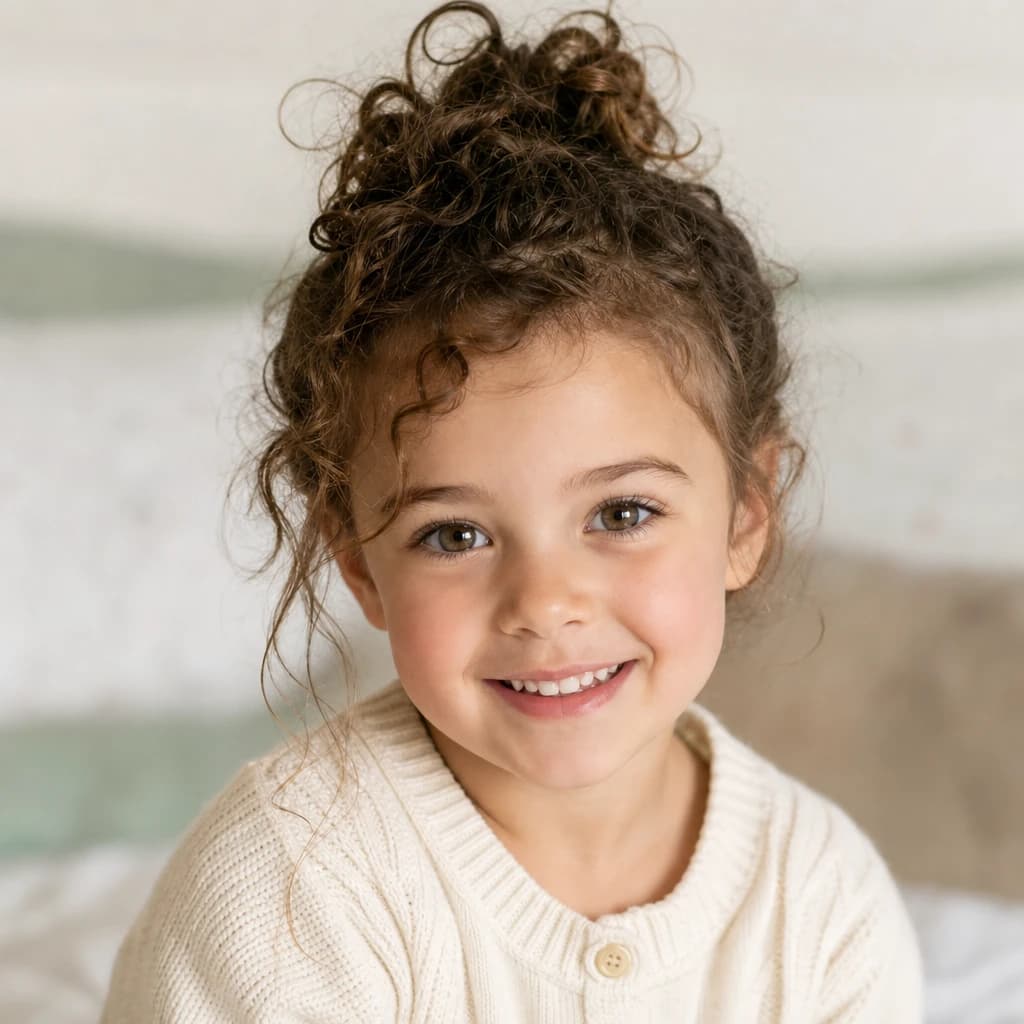
1 creditSee what a hypothetical child of you and your partner might look like — natural feature blending, realistic toddler portrait.

Christmas Photo
1 creditFestive holiday portrait — cozy sweater, fairy lights, glowing Christmas tree behind you, ready for the family holiday card.
Make your ai family portrait generator in seconds.
Pay as you go. Packs from $2.99. Never expire.